Adding product to your cart
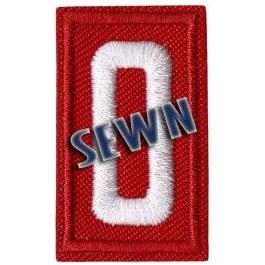
Red unit numbers are meant to be worn on the official uniform shirt of Cub Scouts (Kindergarten-5th grade). These numbers are intended for purchase with pre-sewn uniform shirts on Gateway Traders. (Note: Once numbers are sewn onto uniform shirts, returns are no longer accepted.)
How to Order a Sewn Uniform Shirt with Unit Numbers
1. Choose a SEWN uniform shirtSelect the uniform shirt appropriate for your Scout or leader. Shirts labeled “SEWN” include the standard patches listed in the product description and the sewing service for those patches.
2. Select the shirt sizeChoose the correct size and quantity, then add the shirt to your cart. Use the sizing-chart link on the product page if needed.
3. Add the SEWN unit-number itemUnit numbers are ordered separately. Add “SEWN – Emblem Unit Number” to your cart. Choose RED for Cub Scouts or GREEN for Scouts BSA.
4. Enter your Pack or Troop numberAt checkout, use the order-note section to enter the complete Pack or Troop number that should be sewn on the shirt. Double-check the number before submitting your order.
5. Review your cart and check outMake sure the cart contains both the SEWN uniform shirt and the SEWN unit-number item. Confirm the shirt size and your unit number, then complete checkout.IMPORTANT: If you want Gateway Traders to sew the unit numbers onto the shirt, do not purchase loose number patches. Select the item specifically labeled “SEWN – Emblem Unit Number.”
The American flag is already included on the official uniform shirt. You do not need to purchase a separate flag patch. Other pre-sewn patches vary by shirt style; check the product description for exactly what is included.
No products in the cart.